
Photorealistic Renders, Live Inside SketchUp
Model your buildings, interiors and furniture in SketchUp and watch the render update as you work. No gaming graphics card needed.
$99 + VAT once. No subscription.
Free version with no time limit · Windows with SketchUp 2024–2027 · Apple silicon Mac with SketchUp 2025–2027
Pay once, not every year
- Lumion Pro $1,149 every year
- Enscape ~$575 every year
- V-Ray ~$540 every year
- Rayscaper $99 once
Prices checked in October 2026. See how Rayscaper compares with V-Ray, Enscape, Twinmotion, D5 Render and more
Made for your kind of project
See what Rayscaper does for your work, with renders and an example scene to try. All use cases
-

Interior design
Rooms in daylight and lamplight, with real materials and fabrics.
-

Architecture
Buildings in sun, sky and dusk, from every scene of your model.
-

Landscape design
Lawns of real grass, planting, water and evening light.
-

Furniture
Every finish, in the studio and in the room, up close.
-
Product design
Products and cars in studio light, from paint to chrome.
Made with Rayscaper
Renders by Rayscaper users and from our example scenes. See more in the showcase, or submit your own render to get featured.
-

Japandi Living Room at Golden Hour · Rayscaper example scene -
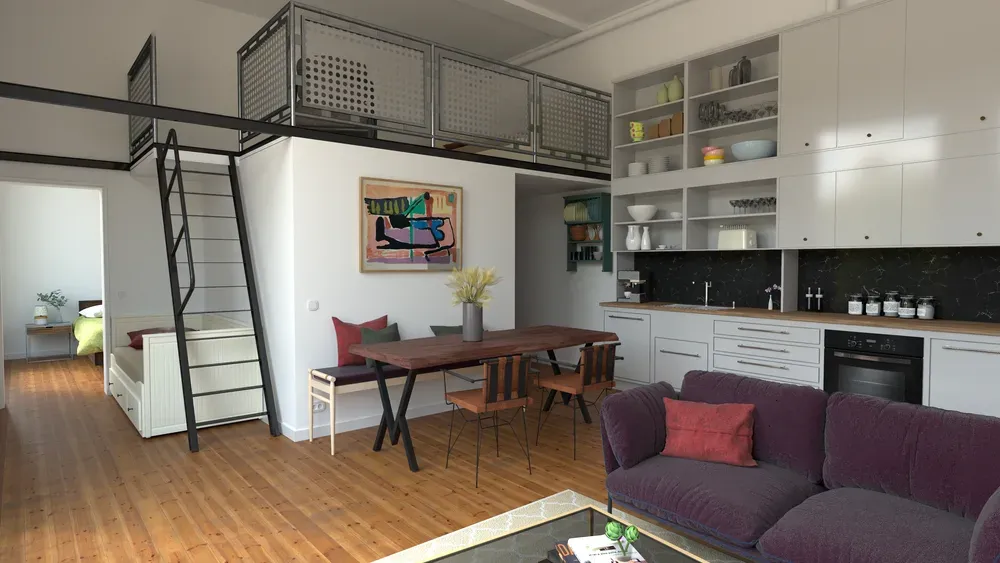
Loft Cuisine · Julien Fischel -
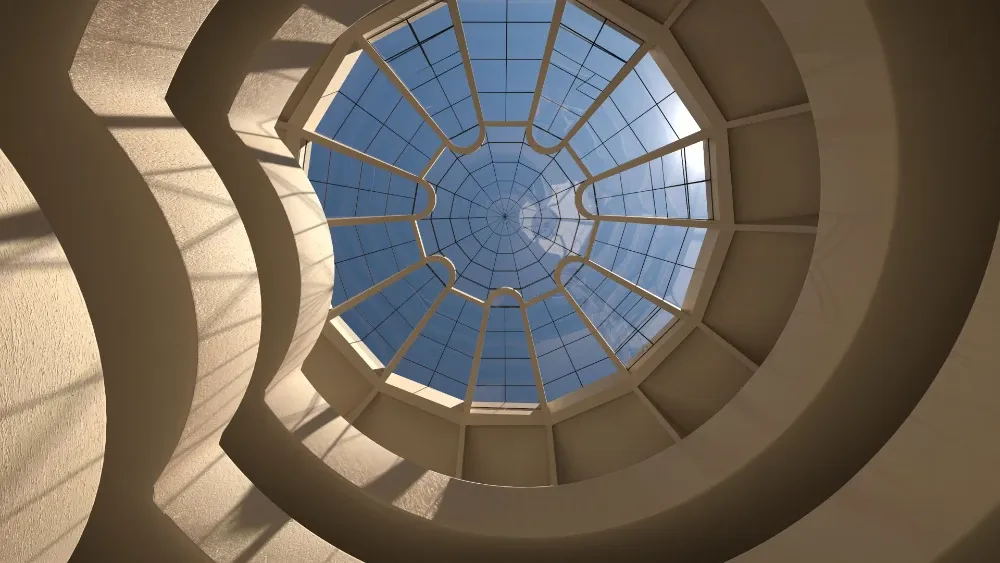
Guggenheim Museum New York · Rich O'Brien -

The same room in the SketchUp viewport and in Rayscaper · Rayscaper example scene -

Ceramics in the Afternoon Sun · Rayscaper example scene -
Villa at Dusk · Rayscaper example scene -
Alpine Living Room at Dusk · Rayscaper example scene -

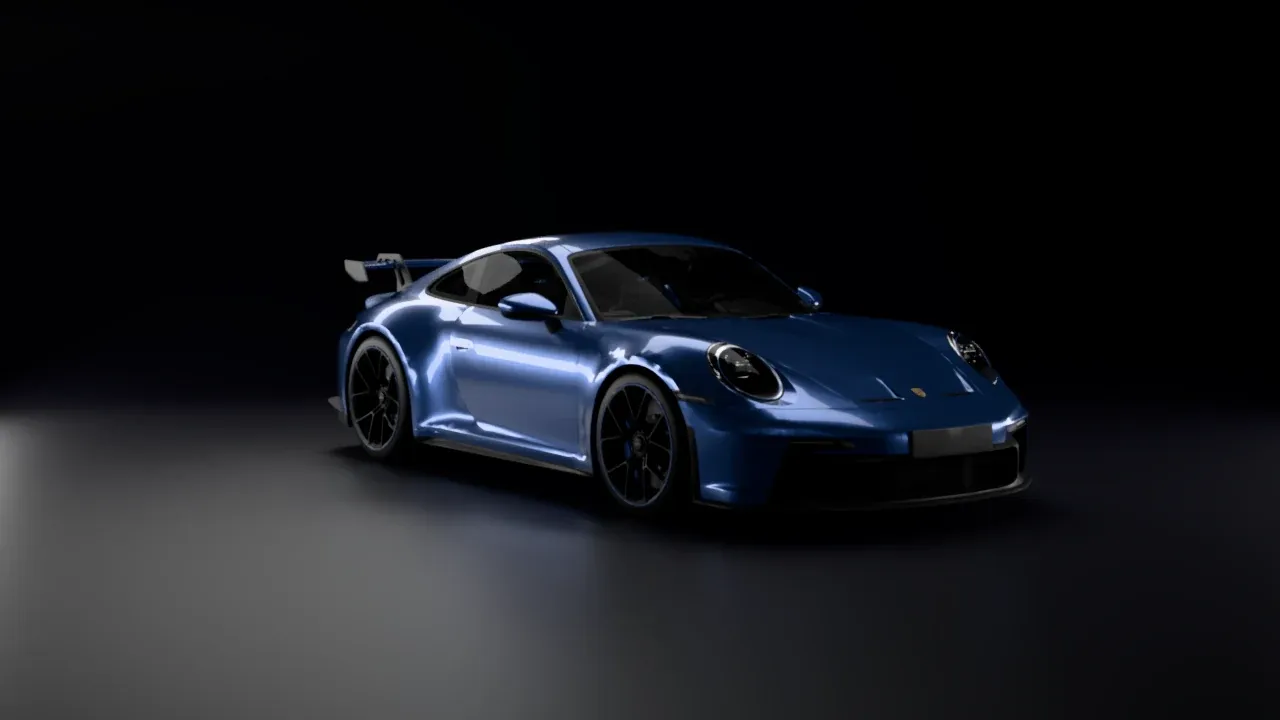
Porsche 911 GT3 at night (model by Ghøst) · Rayscaper Studio -
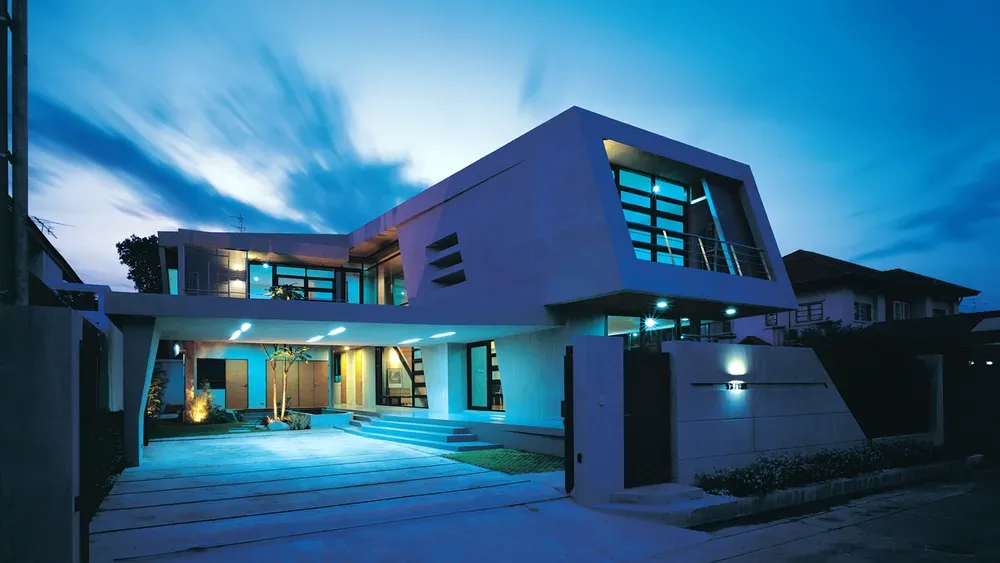
Exterior Scene · Majid Yeganegi
Live Inside SketchUp
Rayscaper syncs your model, camera, materials, sun and Skatter objects as you work. Move a wall or change a material and the render follows. No exporting, no second program to learn.
No Gaming GPU Needed
Rayscaper renders on an NVIDIA GPU when you have one and on the CPU when you don't, so it runs on laptops and office PCs. On a Mac it uses the GPU of Apple silicon.
Photoreal Light
A path tracer simulates how light really bounces, for natural shadows, reflections and glow. An AI denoiser removes the grain while the render refines.
Lawns and Gardens
Paint a face with Grass and it grows a lawn of real blades. Scatter plants and rocks from your own components, in the render only, so your model stays light.
Every Scene, Not Just One
Render all your SketchUp scenes in one go, each saved under its own name. Animate between scenes or a Fredo6 Animator clip, or render 360° panoramas.
1,000+ Materials and Skies
Poly Haven materials and HDRI skies and Rayscaper's own material library are built in. Drag a material onto the render or change the mood of a scene in one click.
Pricing
- No watermark, commercial use allowed
- Full-size renders above 1280 px, and EXR export
- Yours to keep, with every 1.x update
- Use it on up to 3 computers, Windows and Mac
- 1,000+ materials and HDRIs included
14-day money-back guarantee
Secure checkout by Stripe, which adds the VAT or sales tax of your country.
Not sure yet?
Buying Rayscaper
Who handles the payment?
Stripe, our reseller. It takes the payment by card or another local method, adds the VAT or sales tax of your country, and emails you the receipt and invoice.
Why "+ VAT"?
Rayscaper is $99 without tax. The checkout adds the tax your country charges on software, so you see the total before you pay.
Can I get a refund?
Yes. If Rayscaper isn't right for you, email [email protected] within 14 days of your purchase for a full refund.
Where do I get my license?
Buying makes you a Rayscaper account with your license in it. In SketchUp, open Rayscaper's License window and click Sign In. Your account shows the computers that use your license. Licensing FAQ
I bought Rayscaper on SketchUcation
Your license moved to a Rayscaper account with the same email address, and we emailed you about it. See the licensing FAQ.
See it on your own model
The free version has no time limit. Its renders are watermarked, at most 1280 px on the longest edge and for non-commercial use, and saving as EXR needs a license.
Questions? Ask us.
Wondering whether Rayscaper suits your work, how licensing works, or whether your computer can run it? Send us a message and we'll reply by email.
That didn't work. Check your email address and message, then try again.
We only use your address to answer your message.