

Rayscaper Introduction
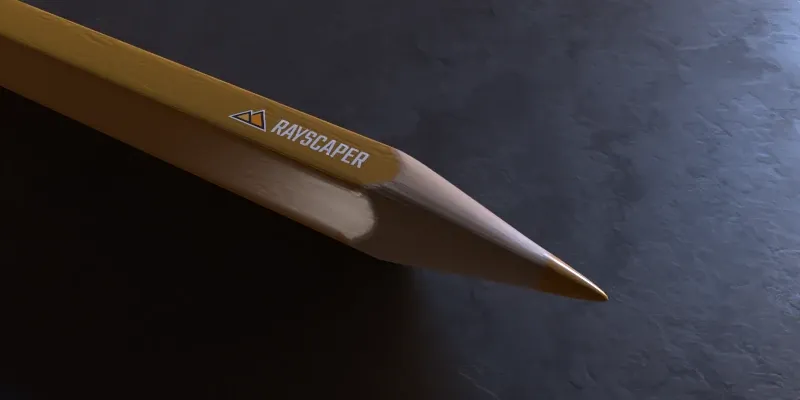
Rayscaper pencil scene by Rich O’Brien.
Rayscaper is an interactive, photorealistic render engine for SketchUp that is fun to use. It renders your model live, right next to SketchUp: you keep modeling as usual and the render follows every change. There’s no exporting and no second program to learn, so SketchUp users can create photorealistic visualizations of their design in seconds.
This video takes you from a SketchUp model to a finished render in two minutes:
What Rayscaper does
Section titled “What Rayscaper does”- Live inside SketchUp. Rayscaper syncs your model, camera, materials, sun and Skatter objects as you work. Move a wall, change a material or click a scene tab, and the render updates right away.
- Photoreal light. Rayscaper follows rays of light as they bounce through the scene, for natural shadows, reflections and glow. An AI denoiser removes the grain from the image in seconds. Light your scene with a sky that follows SketchUp’s sun, or with an HDRI: a photo of a whole surrounding that lights the scene. Add lamps, spots and area lights.
- Realistic materials. Every SketchUp material becomes a Rayscaper material that you can turn into glass, metal, water, car paint, grass and more.
- Built-in assets. Over 1,000 free Poly Haven HDRIs and materials are in the Asset Manager: drag one onto the render and it’s applied.
- Nature without the weight. Scatter covers a lawn or a forest floor with thousands of plants and stones that only exist in the render, so your SketchUp model stays light.
- Stills, panoramas and animations. Render perspective, orthographic and 360° panoramic images, and animations along your SketchUp scene tabs.
- Work your way. See the render in the SketchUp viewport, render all your scene tabs in one go, or save an animation as an MP4 video (on Windows). The interface is in English, Dutch, German, French, Spanish, Italian, Japanese and Chinese.
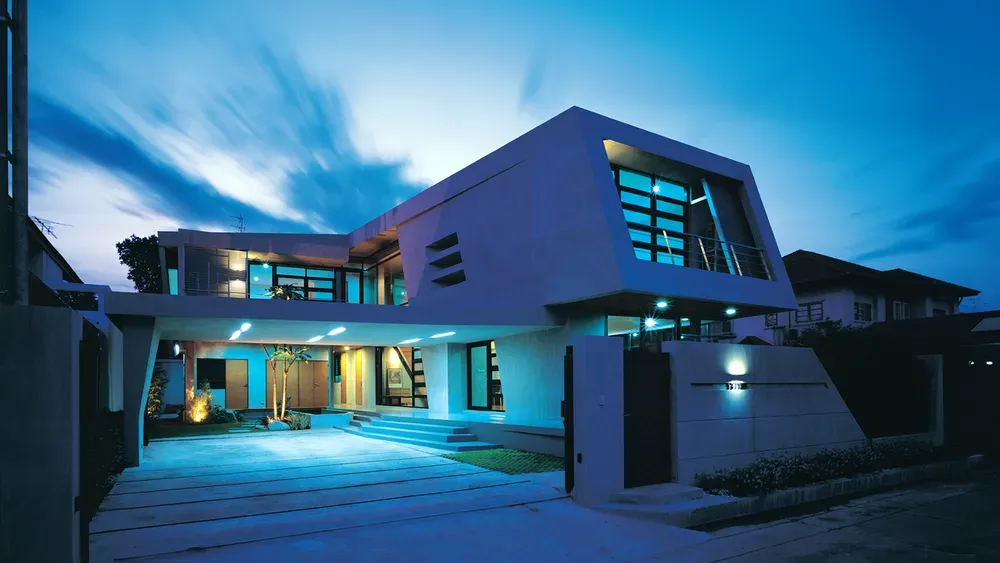
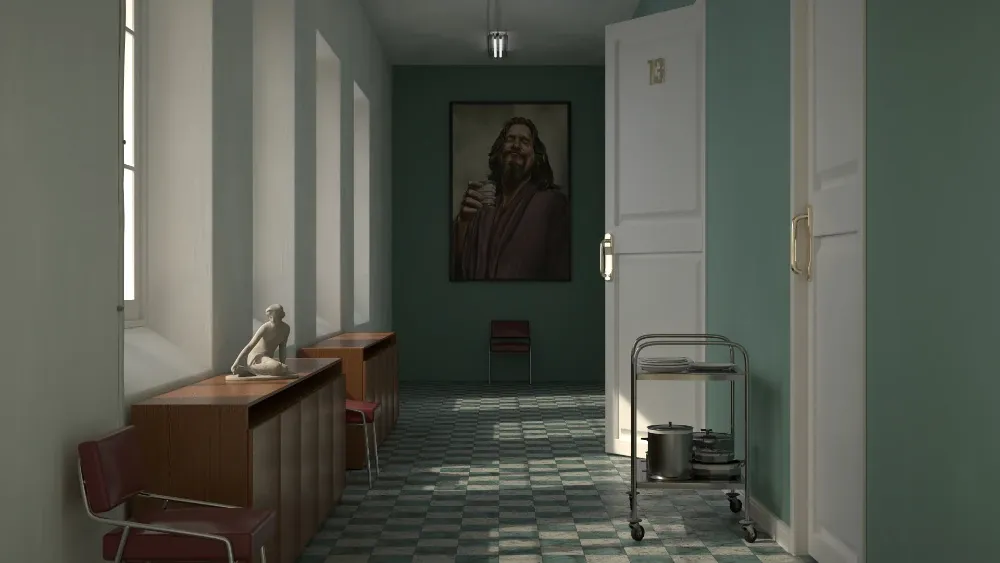
Made with Rayscaper
Section titled “Made with Rayscaper”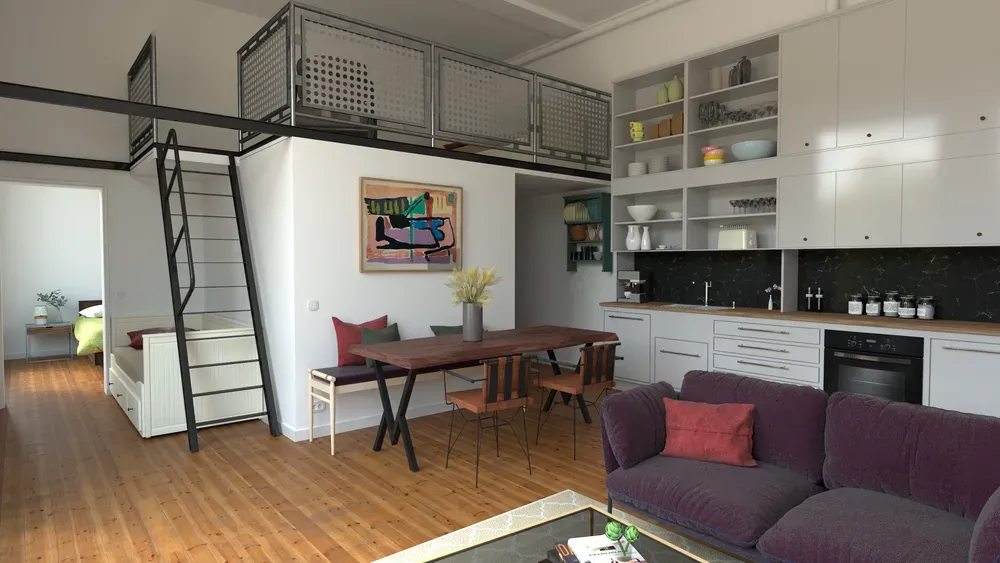
What you need
Section titled “What you need”- SketchUp 2024, 2025, 2026 or 2027 on 64-bit Windows, or SketchUp 2025, 2026 or 2027 on a Mac with Apple silicon (M1 or newer).
- A CPU with 4 or more cores. Rayscaper renders on the CPU, so it runs on laptops and office PCs without a gaming GPU. With an NVIDIA graphics card (GPU) it renders on the GPU automatically, which is a lot faster. On a Mac it renders on the Mac’s own GPU.
See System Requirements for the details.
Free version and license
Section titled “Free version and license”You can use Rayscaper for free, without a license. You can edit scenes and render animations. Inside SketchUp, free renders are at most 1280 pixels on the longest edge and carry a watermark. You can’t use them commercially.
A license removes these limits. It costs $99.99, once, with no subscription, and includes a year of updates. See the licensing FAQ for how to buy and activate one.
Where to start
Section titled “Where to start”- Install Rayscaper with the installation guide.
- Make your first render with the quick start. Download its scene and follow the video above.
- Learn the rest in the manual: it starts with an overview of how Rayscaper works and explains every setting with example renders.
If you’re stuck, look at our FAQ or ask for help.